

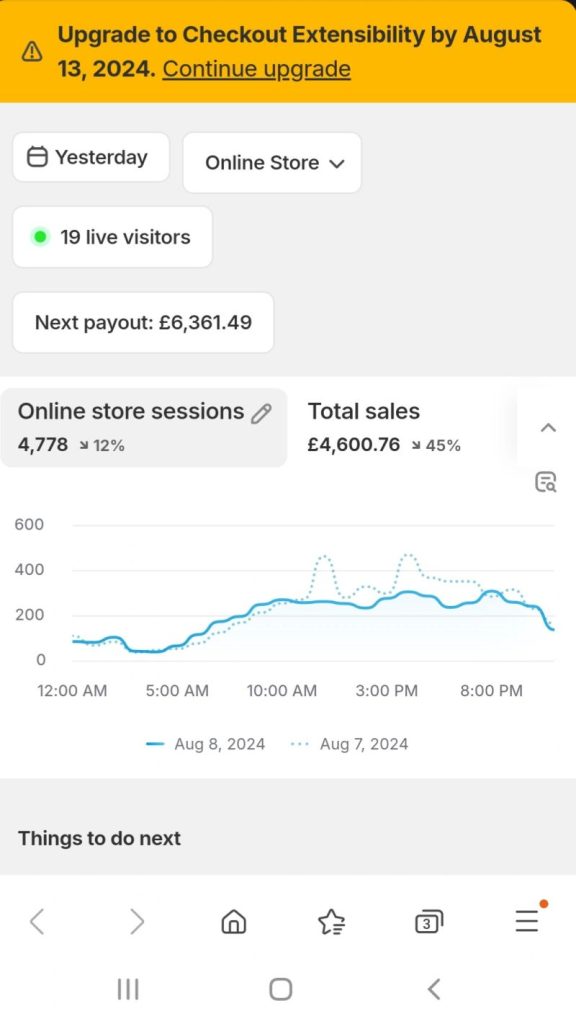
When Shopify retires a checkout customisation system, every merchant on the platform inherits a deadline. That was the situation when the checkout code changes forced stores to reconfigure how their checkout tracking worked: a date on the calendar, after which the old setup would simply stop reporting. Deadlines like that look like platform housekeeping. In practice they are the moment when conversion tracking silently breaks for thousands of stores, and the merchants find out weeks later when someone finally asks why the numbers look strange.
We took the deadline as a prompt to standardise how we recommend configuring tracking for Shopify merchants, because the configuration matters far beyond any single migration. The strategy is short, and the last step is the one everyone skips.
MageCloud Tracking Note
The Shopify Tracking Strategy
STEP ONE
Native connections first
Connect Shopify directly to GA4 and to Google Ads using the platform’s own integrations. Native connections survive platform changes because Shopify maintains them, not you.
STEP TWO
Verified conversion tracking in Google Ads
Conversions in Google Ads should pull from the Shopify data automatically, and someone should verify they actually do, against real orders, not against the settings screen.
STEP THREE
GTM for everything else
Google Tag Manager carries the rest: LiveChat, Microsoft Clarity, and other optimisation and tracking tools, managed in one container instead of scattered code.
STEP FOUR
Write down how it is configured
Detailed notes, kept current, handed to whoever manages marketing next. Undocumented tracking is broken tracking with a delay.
Paul Ryazanov · MageCloud · tracking configured to survive the next platform change
Why Native Beats Custom Every Time the Platform Moves
The instinct of a capable developer, faced with a tracking requirement, is to build it properly by hand. Custom data layer, hand-rolled events, full control. The problem is that hand-built tracking is married to the implementation details of the platform, and the platform does not consult your tracking before it changes. Every checkout customisation that died with this deprecation was someone’s carefully built custom setup.
The native Shopify connections to GA4 and Google Ads are maintained by Shopify itself. When checkout internals change, Shopify updates its own integrations, and merchants using them mostly notice nothing. Merchants with custom implementations get a migration project with a deadline. That asymmetry is the entire argument. Do not reinvent the wheel. Use as many native features as possible, connect the major tools directly, and reserve the custom work for the things that genuinely have no native path. Boring tracking that survives is worth more than elegant tracking that breaks, and broken tracking is expensive in the most invisible way: your ad spend optimises against wrong data while everything looks fine.
Verification Is the Step That Separates Configured From Working
Step two deserves its own section, because “we set up conversion tracking” and “conversion tracking works” are different claims and only one of them shows up in a settings screen. After the connections are made, someone has to verify the pipeline end to end: place test orders, watch them arrive in GA4 and in Google Ads, check the values, check the deduplication, confirm that a purchase shows up once with the right revenue attached.
We see different agencies handle the same setup in genuinely different ways, which is exactly why verification against real orders matters more than trusting any particular configuration pattern. The settings can be defensible and the data still wrong. The order either lands in the reports correctly or it does not, and twenty minutes of testing settles the question that months of dashboard-watching never will. If nobody on your team has run that test since the checkout changes shipped, you do not currently know whether your tracking works. You believe it works, which is cheaper right up until it is not.
The Notes Nobody Writes Are the Handover Everyone Needs
The last step is the unglamorous one, and I will defend it as the most valuable. Keep detailed notes on how everything is configured: which connections are native, what lives in GTM, what custom pieces exist and why, which events fire where, who has access to which accounts. Then make sure that document moves with the store, to your marketing manager, to the next agency, to whoever inherits the setup.
Here is what happens without it. The store changes agencies. The new agency cannot tell what the old agency built, so they rebuild, and for a transition period events double-fire or vanish. The historical data develops a discontinuity nobody can explain in a year’s time. Some of the most confident-looking analytics setups I have audited turned out to be three agencies’ work stacked on top of each other, each layer added because nobody could decode the one beneath it. A one-page configuration note prevents the whole archaeology. It is the same discipline as the verification habits I recommend for any agency relationship: the work should be inspectable by someone who did not do it.
Treat Every Platform Deadline as a Tracking Audit
The checkout deprecation was Shopify’s deadline, but the useful habit generalises. Every forced platform change, every major theme update, every app migration is a moment when tracking can silently degrade, and therefore a moment to re-verify it deliberately. The stores that treat these deadlines as audit triggers keep clean data through every transition. The stores that treat them as checkbox tasks find the gap months later, usually while trying to explain a performance change that never happened.
If you are on Shopify and nobody has verified your conversion data since the checkout changes, that is the gap I would close this week. If you want us to run the verification and hand you the configuration notes at the end, get in touch. It is quick work, and it is the foundation under every marketing decision you will make this year.