

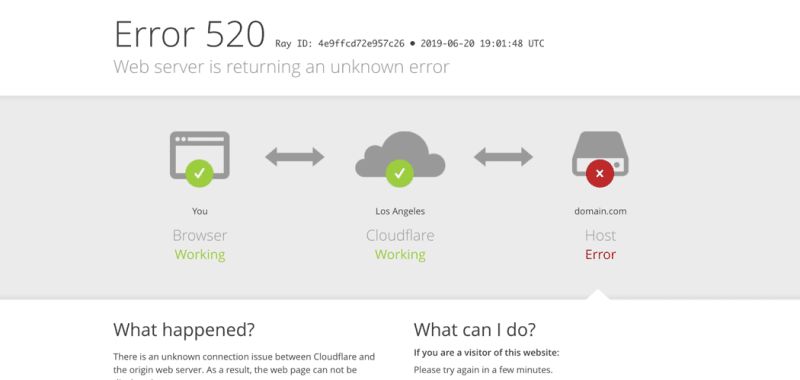
Our own MageCloud.agency was down for about six hours. I found out the way I find out about everything, from Uptime Robot, not from the hosting company. Email was down, the server was unreachable, Plesk would not load. Everything just stopped. And the only way to reach our hosting vendor was by phone, where I waited fifteen minutes on hold to speak to a support engineer about an outage their own infrastructure had been having for hours.
Sit with that sequence for a moment. The customer’s monitoring detected the failure. The customer queued on a phone line. The vendor, whose systems were the ones failing, did nothing proactive at all. For clients who are paying bills and spending their own time on this, there should at minimum be a live chat option. But the deeper failure is the one I want to write about, because it is fixable industry-wide and nobody fixes it.
MageCloud Downtime Note
The Six-Hour Outage Scorecard
WHO DETECTED IT
Uptime Robot, on my behalf
The customer’s third-party monitor knew within a minute. The vendor’s support process learned about it when I reached the front of the phone queue.
THE SUPPORT PATH
Fifteen minutes on hold
No live chat, no automatic incident ticket, no proactive notification. A phone queue, during a multi-hour outage.
THE DREAM
Monitoring that opens tickets automatically
The vendor watches uptime on the customer’s behalf and a detected failure creates a support ticket on its own. That is the entire feature.
Paul Ryazanov · MageCloud · the agency that answers for everyone else’s infrastructure
The Feature I Keep Asking Hosting Vendors For
Here is the request, stated as plainly as I can. Why is there no automatic notification system that triggers a support ticket the moment a site goes down or resources cap out at 100 percent? The vendor already has the telemetry. Tools like Uptime Robot prove the detection is trivial. If hosting companies simply ran that class of monitoring on behalf of every customer and auto-created a ticket on failure, that would be the level of proactive support I dream about, and it should be genuinely easy to build.
The asymmetry today is what frustrates me most as an agency owner. When something goes wrong, I am the one responsible. The client calls me, not the host. I am the one who answers at midnight, the one who chases the vendor, the one who relays hold-music updates. The host sells the infrastructure. The agency absorbs the accountability. An auto-ticket system would not fix the outage faster on its own, but it would flip the burden of detection back to the party being paid to keep the thing running.
The Hosts I Actually Recommend, Since Everyone Asked
The original post collected a lot of attention and one recurring question: who do we actually use for clients? Here is the honest list. For Magento in the UK, Sonassi and ANS. For Magento more broadly, Cloudways, Nexcess, Sonassi, and ANS, and I have been happy with Corefinity as well. For WordPress, Cloudways, WP Engine, and Kinsta. I am generally happy with every company on that list, the choice between them is mostly about what the customer wants, and I have a contact at every single one I can call when something matters.
One clarification, because the post got read as a client-site incident: it was not. This was our own 200-page agency site, hosted with a vendor chosen because they bundle email hosting on the same server, which real client stores should not be doing anyway. Client infrastructure follows the rules I have written about before, owned by the client, properly specified, and monitored from the outside regardless of who the host is.
Monitor From Outside, Whoever Your Host Is
Until some vendor builds the auto-ticket future, the practical defence is the one this outage demonstrated: external monitoring you control. Uptime Robot or any equivalent, pointed at every property you care about, alerting someone who can act. It is the top layer of the daily monitoring stack I run across client stores, and it costs almost nothing. The vendor status page is marketing. Your monitor is evidence.
And when you evaluate a new hosting vendor, add one question to the checklist alongside price and specs: what happens, on your side, when my site goes down? If the answer involves me detecting it and then queueing to tell you about it, you have learned what the relationship will feel like at the worst possible moment. To every hosting company on my recommended list, with respect and in public: please, organise something like Uptime Robot with automatic ticket creation. The first one of you to ship it gets every migration we run next year.
If Your Host Went Quiet During Your Last Outage
If your last downtime story sounds like mine, fifteen minutes of hold music while your own monitoring did the vendor’s job, get in touch. Setting up proper external monitoring takes an afternoon, and we will tell you honestly whether your current host deserves to keep the server.