

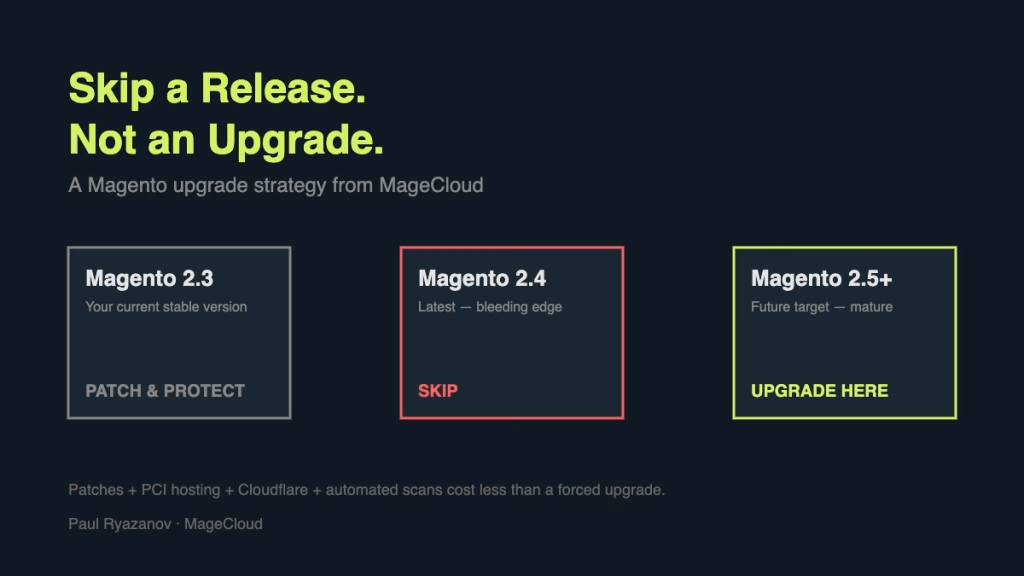
Most agencies I know will tell you that the moment a new major Magento release ships, you need to start planning your upgrade. I think that is the wrong way round. If you are on a stable version of Magento and it is running your business, the right question is not when do we upgrade. The right question is which version do we upgrade to when we actually need to.
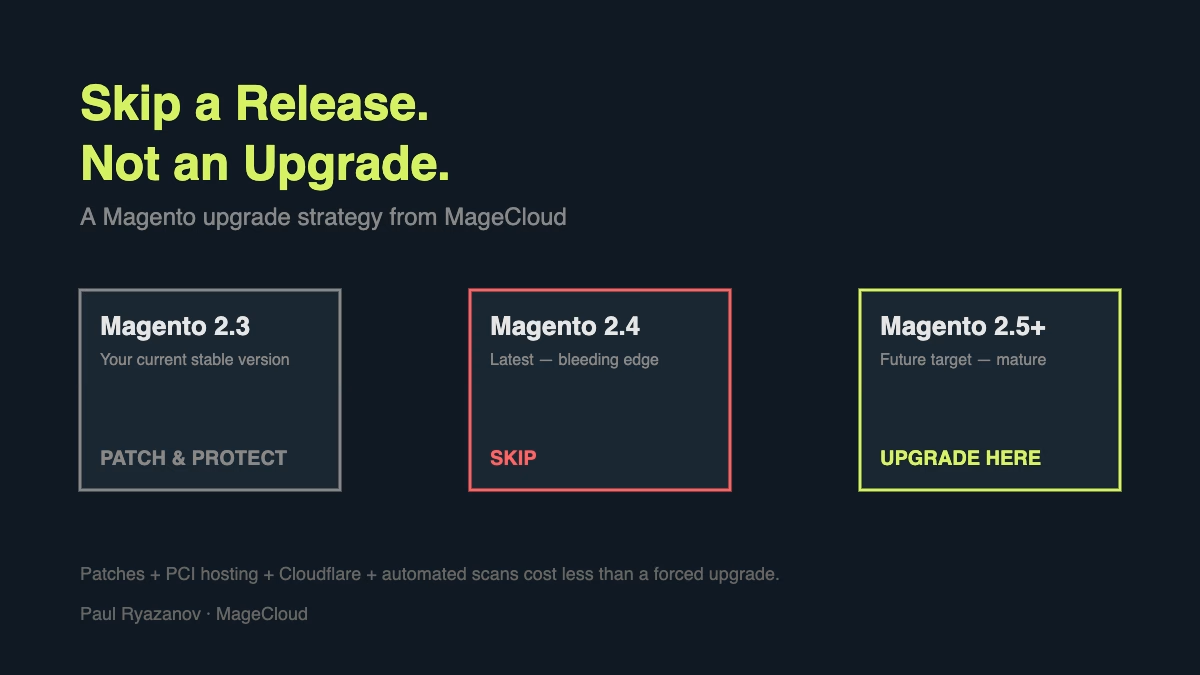
My general vision as an agency is simple. Do what is best for the client, not what is best for the agency’s billable hours. When clients ask whether they should jump onto the latest Magento 2 release the week it comes out, my answer is almost always the same. Patch what you have, protect it properly, and time your major upgrade so you skip a version rather than chase one.
Why Skipping a Magento Release Often Saves Money
Here is the scenario I see constantly. A merchant is running a stable Magento 1.9 or an earlier 2.x release. Their agency pushes them to upgrade to the latest minor version the moment it lands. Six months later, the next major version ships and they are on the upgrade treadmill again.
That is a waste of budget. Every Magento upgrade is expensive because of the custom code, the third-party extensions, and the theme work that has to be re-tested against the new release. Paying for two upgrades back to back is paying twice for the same outcome.
If you are sitting on a stable release right now, the math often works in favour of waiting. Patch the version you are on, protect the store properly, and aim your next upgrade at the release that comes after the one everyone is scrambling to get to. You get a more mature, better-tested target version and you skip the bleeding-edge cycle entirely.
The Security Stack That Buys You Time
Staying on an older release is only responsible if the store is actually secure. That is non-negotiable. Here is the stack I recommend for any merchant who wants to wait out a release cycle safely.
Apply the official patches first
Magento releases security patches on every stable branch long after the version has been superseded. Applying those patches is usually a couple of hours of developer work per cycle. That is the cheapest security investment you will ever make on the platform. If your agency is not actively tracking and applying patches for you, that is a red flag.
Move to a PCI-compliant host with free migration
If your current hosting is not PCI-compliant, that is the first thing to fix. Most serious Magento hosts — Nexcess is one example — will migrate your store for free when you sign up. Use that. Stretch the value of your hosting spend by choosing a provider that understands Magento, not a generic LAMP host that happens to install it.
Put Cloudflare in front of the admin
Cloudflare’s free plan blocks a huge amount of the background noise that hits Magento admin URLs daily. If you upgrade to Pro at around twenty dollars per month, you get the web application firewall and better bot protection, which are worth the spend for any store doing meaningful revenue. Protect the admin with an allow-list and rate limits, and you remove the most common attack surface entirely.
Run automated security scans
Astra Security scans for known Magento vulnerabilities and malware signatures continuously and gives you a clear report when something changes. We offer our clients a free month to try it. The point is not the specific tool. The point is that you need continuous monitoring, not a one-off pentest once a year. Magento stores are a moving target and attacker tooling is automated. Your defence has to be automated too.
Doing the Math on an Upgrade You Do Not Need Yet
When I lay out the numbers for a client who is being pushed into an upgrade they do not need, the comparison usually looks something like this.
Patches applied to the current version are a few hours of developer time per release. Moving hosting is usually free. Cloudflare is free or twenty dollars per month. Astra or a comparable tool is another low monthly fee. The total cost of staying secure on a stable release is a small fraction of what an unnecessary early upgrade costs.
When you do upgrade, you are upgrading to a more mature release with known bugs already fixed. Serious Magento security issues have shown repeatedly that the first weeks of a new release are the riskiest window. Letting other stores find the sharp edges for you is a feature of the strategy, not a bug.
Why Some Agencies Will Disagree
A lot of agencies will not like this advice, and I understand why. Upgrade projects are substantial billable work. Telling a client “stay where you are for another year” means less revenue this quarter.
That is not how we run an agency. If the right answer for the client is to wait, we say wait. If the right answer is to patch, we patch. When an upgrade genuinely makes sense — a major performance benefit, a security end-of-life, a platform capability that unlocks new revenue — we recommend it then, and we plan it properly. Skipping versions is not about avoiding work. It is about making every upgrade count.
What to Do This Week
If you are reading this and you are on an older stable Magento release, do three things. Check that every official patch has been applied. Audit your hosting and move if it is not PCI-compliant or optimised for Magento. Put a firewall and a scanner in front of the admin.
Then ask your agency which release they are targeting for your next upgrade and why. If the answer is “the latest one, because it is the latest one,” push back. If the answer includes a specific feature, a specific security driver, or a specific performance ceiling you are hitting, that is a conversation worth having.
If you want a second opinion on whether your store is ready to skip a release, get in touch with my team at MageCloud. We will look at your current stack and tell you honestly whether you need to upgrade now or whether your budget is better spent somewhere else.
Related reading: Fake Orders Are Hitting Magento Stores Through the API. The case where skipping is not allowed: security patches against live scanning campaigns.